Discord Overlay Setup
Enable Discord’s game overlay for a supported product.
1. Open overlay settings
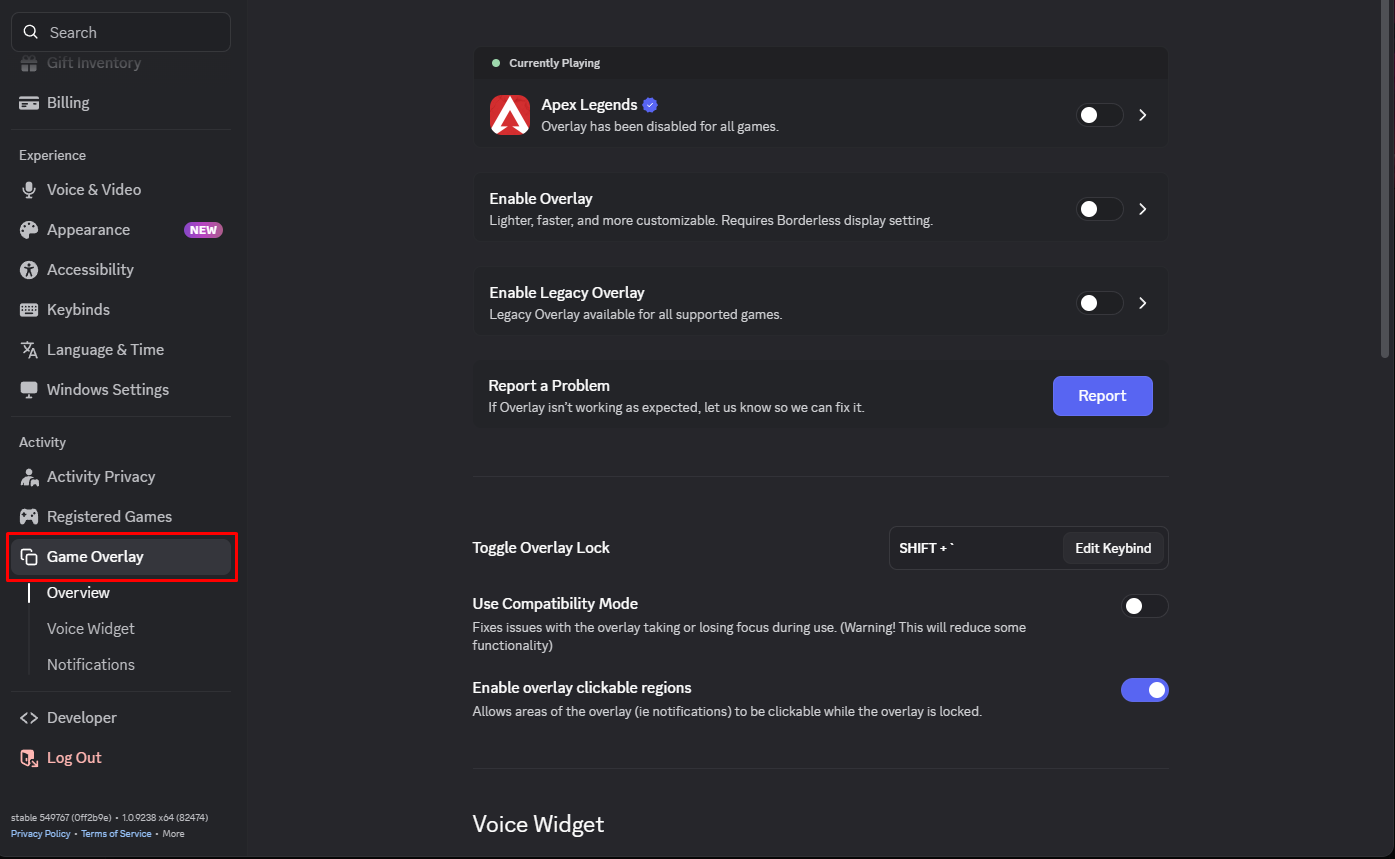
- In the Discord desktop app, open User Settings → Game Overlay.
2. Enable it for your game
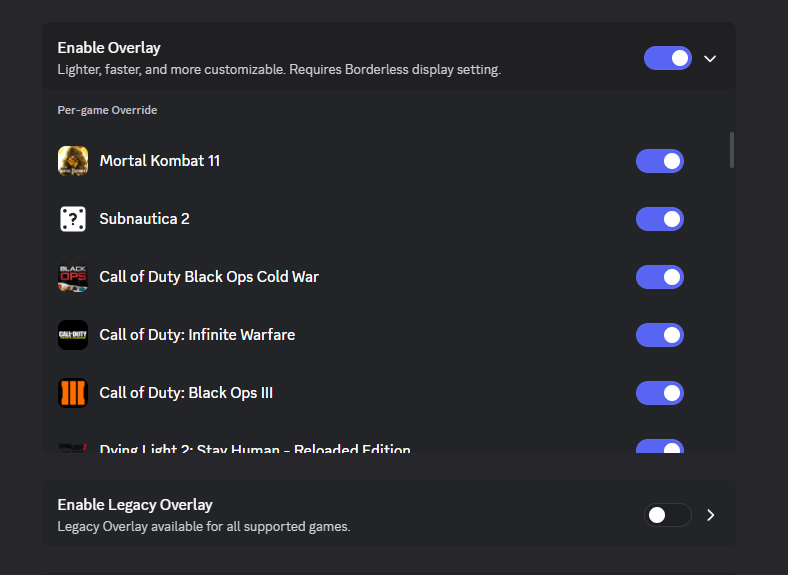
- Enable the game overlay and check the per-game override for the game you are launching. For the documented ARC Raiders setup, leave Legacy Overlay disabled.
3. Leave Discord open
- Keep Discord running while following your product’s launch steps. If the game does not appear in the list, launch it and check Discord’s detected games.
